Some days back when I was bored at work and trying to do some random things on my Linux terminal, I came across a very funny and unusual command on Linux called : "Cowsay".
While Linux provides very useful and powerful command-line-based commands which are normally used in Cyber Security / Programming, it also has very unique and cool commands. I too discovered many of them very recently. In the world of ChatGPT, these fun commands are equally classy!
Let's see some of these commands.
Before starting, in case you get a message saying "command not found", you can use the following ways to install the program :
- sudo apt install —on Debian, Ubuntu and Mint
- sudo yum install —on CentOS
1. cowsay
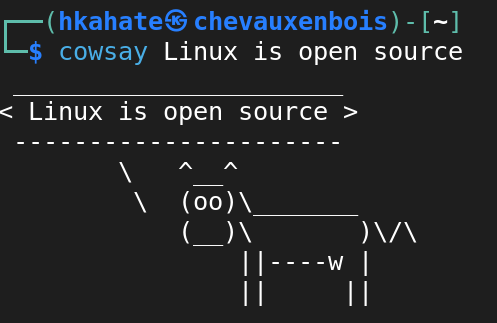
Cowsay is a simple program written in Perl, which takes text as input and produces a graphic of a thinking/talking cow. While this command doesn't serve anything useful, it's quite interesting.
$ cowsay Linux is open source
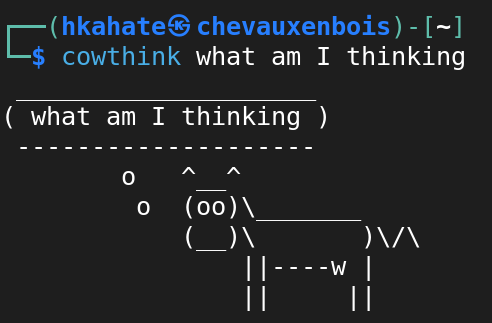
Another similar command to "cowsay" is "cowthink" which gives a similar output —
2. rev
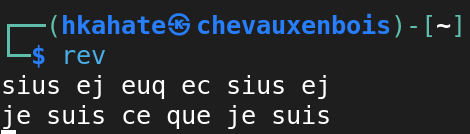
This command reverses everything you feed to it. It's not that funny, but there are instances when it could be helpful.
$ rev
3. oneko
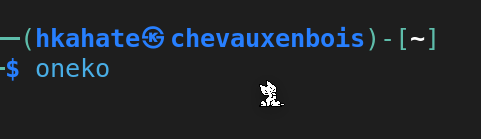
This one is for cat lovers. It transforms the normal cursor into a mouse and makes a cat that will chase the normal cursor once it is moved. It extends beyond the terminal alone. The cat can chase the cursor while you continue to work, quite hilarious!
$ oneko

4. espeak
If you're bored and no one is listening to you, you can make the computer say whatever you want to. Make sure to increase the volume of your computer before using this command!
$ espeak "your text here"
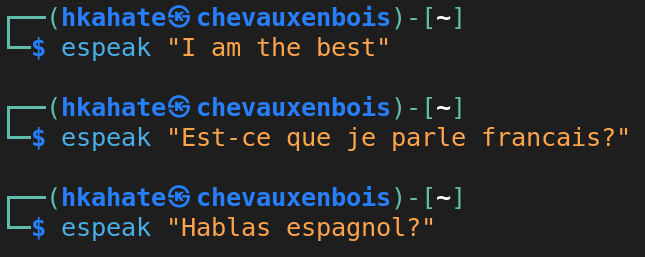
Out of curiosity, I tried to feed a text in French and Spanish, but it failed miserably. That means it is only for English!
5. yes
When you want to execute something in a loop, you can use this command. This might be useful for network/system admins when they want to put the same command again and again. While playing around, I tried putting the following command and it worked.
$ yes | sudo apt-get upgrade
With the above command, you need not type "yes" every time when the terminal asks to install some new package.
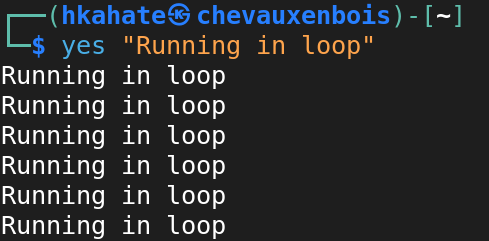
Don't forget to terminate by clicking ctrl+c otherwise, it will keep running!
6. rig
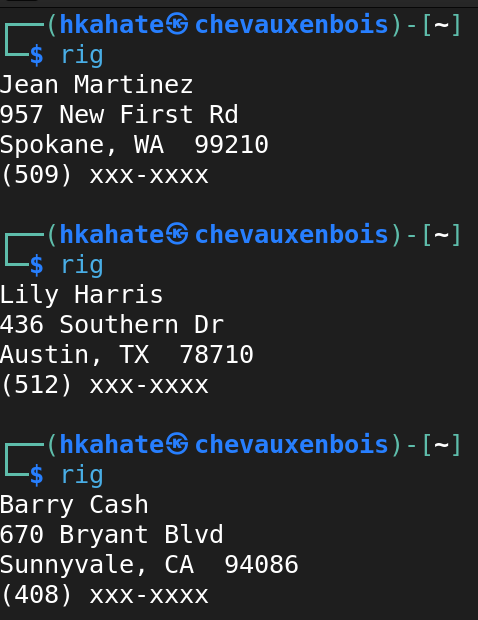
If you are bored with your own identity, you can get another by using the rig command.
Just put "rig" and here is what you will get —
7. cmatrix
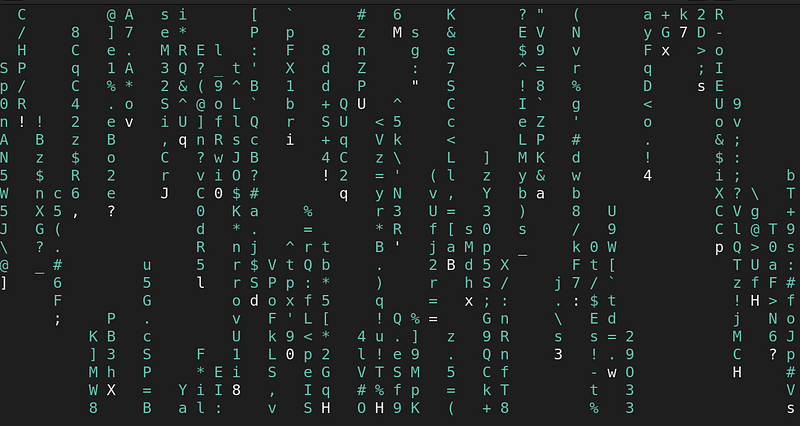
This one is for people who like to try and show non-tech people that they are doing something important. Jokes apart, this command will show a matrix on your computer screen.
$ cmatrix
There are several other similar commands that can be used to play around with Linux.
With that being said, you can open your terminal and try the commands now!